Minecraft’s default presentation is legendary, but after thousands of hours under the same pixelated skies, your virtual worlds can begin to feel static. If you are looking to revitalize your gameplay loop, optimize your frame rates, or unlock next-level graphical fidelity, downloading the best minecraft texture packs (officially categorized as resource packs) is the absolute fastest way to do it.
Instead of guessing which packs look best or relying on purely subjective lists, we have aggregated the definitive collection based on hard repository data. These are the top-ranked packs sorted by all-time community downloads across CurseForge, Modrinth, and PlanetMinecraft as of June 9, 2026.
From subtle vanilla cleanup projects to absolute total visual overhauls, these community favorites have been field-tested by tens of millions of players worldwide and are fully updated for the latest version of the game.
1. Faithful 32x & 64x – 120M+ Combined Downloads

The undisputed titan of the Minecraft modding scene, Faithful, remains the most downloaded resource pack in the history of the game. Its longevity stems from a brilliant and simple core design philosophy: improve the resolution while strictly preserving the vanilla aesthetic.
- Primary Style: Vanilla Enhanced (High-Definition Classic)
- Active Resolutions: 32×32 | 64×64
- Performance Overhead: Very Low
- Best Feature: Eradicates block blur completely without breaking user builds or changing block colors.
Standard vanilla Minecraft runs at a native 16×16 pixel matrix. When you stand right next to a block, it can dissolve into a blurry pixel array. Faithful directly doubles (32×32) or quadruples (64×64) this grid density. Every single block, from simple dirt to intricate redstone components, maintains its exact original color palette and architectural intention, but gains sharp, pristine clarity.
Because it stays true to the vanilla blueprint, it is the premier choice for survival multiplayer enthusiasts and competitive builders who want to make sure their creations look identical to other players.
2. Sphax PureBDcraft – 52M+ Downloads

If your goal is to completely shed the traditional retro look of Minecraft and swap it for an energetic, high-energy alternative, PureBDcraft is the community standard. It completely restructures the game’s art direction, turning your worlds into a living, breathing comic book.
- Primary Style: Cel-Shaded Comic / Stylized Vector
- Active Resolutions: 16×16 up to 512×512
- Performance Overhead: Medium to High (Depending on chosen resolution)
- Best Feature: Massive, unparalleled compatibility across hundreds of historic and modern Java modpacks.
PureBDcraft uses crisp, hand-drawn vector designs featuring distinct jagged edges, comic book typography, and highly expressive mob re-textures. Every item in your hotbar, from diamond swords to cooked porkchops, is replaced with unique, highly stylized art.
Crucially for complex setups, the BDcraft team maintains dedicated extension packs for massive modpacks. If you are playing large-scale industrial or magic mods, this pack ensures your new modded machinery matches your base blocks seamlessly instead of breaking immersion with conflicting textures.
3. Stay True – 43M+ Downloads

A masterclass in modern visual design, Stay True has skyrocketed in popularity, becoming a definitive staple for vanilla purists. Unlike traditional texture overhauls that replace block files entirely, Stay True focuses on fixing the structural flaws in vanilla graphics by introducing smart, dynamic texturing.
- Primary Style: Vanilla+ / Realism Polish
- Active Resolutions: 16×16
- Performance Overhead: Extremely Low
- Best Feature: Implements seamless connected textures and dynamic color variations without requiring a high-end graphics card.
The primary issue with standard Minecraft is the “grid effect”-when you look at a massive field of grass or stone, you can easily see the repetitive square borders. Stay True breaks this up beautifully by introducing subtle, randomized variations for individual blocks.
Grass leaves blend into adjacent dirt tracks, stone blocks connect seamlessly to eliminate hard lines, and foliage textures are given varying shades of green to mimic real-world forestry. It keeps the core 16×16 performance profile, meaning you get a breathtakingly organic world with zero frame rate drops.
4. Bare Bones – 34M+ Downloads

Ever watched an official Mojang game trailer or update showcase and wonder why your game doesn’t look as vibrant, flat, and cinematic as the animation? Bare Bones was built explicitly to bridge that gap.
- Primary Style: Ultra-Minimalist / Clean Cartoon
- Active Resolutions: 16×16
- Performance Overhead: Minimal (Often improves native hardware performance)
- Best Feature: Drastically cleans up visual noise, significantly boosting enemy tracking and structural visibility.
Bare Bones strips away the micro-pixel noise found in standard textures, replacing them with flat, bold blocks of solid color. It preserves the classic 16×16 resolution, which makes it exceptionally gentle on lower-end systems, laptops, and older hardware configurations.
When running this pack purely vanilla, it delivers a sharp, clean, geometric look. However, when paired with a modern, lightweight shader engine that handles soft shadow profiles, the entire environment instantly mimics a high-budget animated feature film.
5. Fresh Animations – 29M+ Downloads

Slotted firmly as the fastest-growing modern asset pack, Fresh Animations does something completely different. It leaves the literal textures of your blocks untouched, focusing instead on overhauling the rigid, mechanical movement patterns of Minecraft’s entities.
- Primary Style: Entity Animation Overhaul
- Active Resolutions: 16×16 (Vanilla block texture compatible)
- Performance Overhead: Low (Requires OptiFine or Entity Model Features / ETF extensions)
- Best Feature: Infuses mobs with expressive personality, breathing life into automated farms and villages.
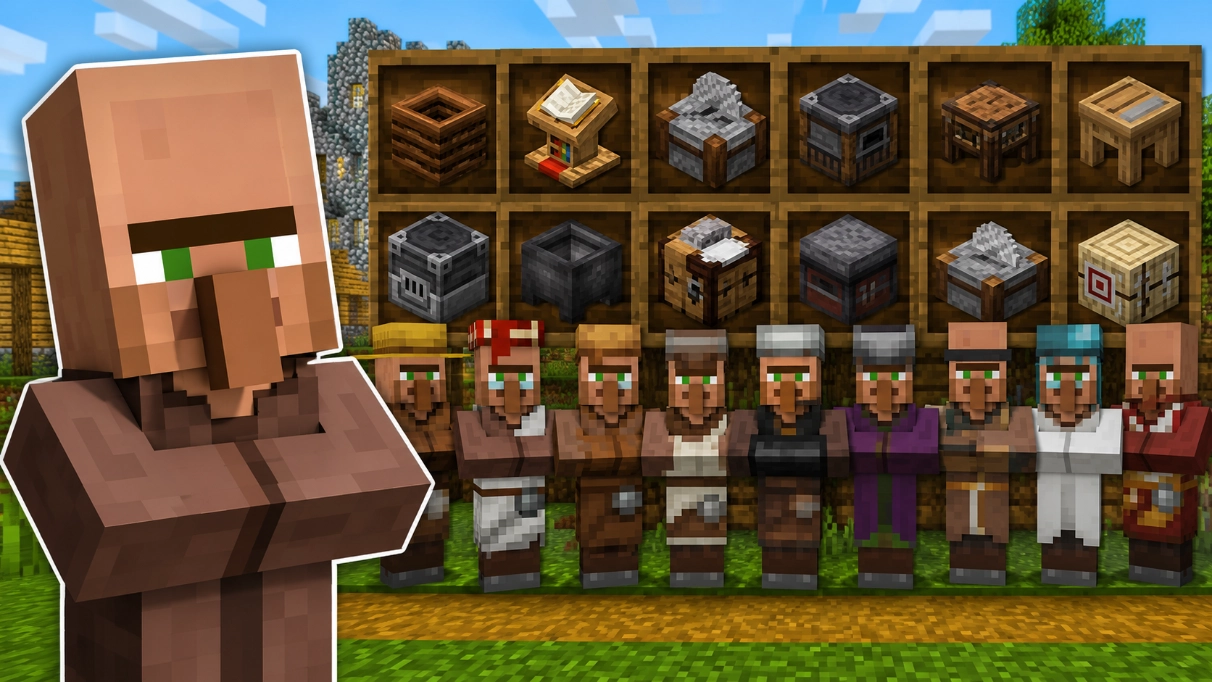
Before Fresh Animations, mobs moved like simple wooden toys. With this pack activated, entities receive complex, organic skeletal systems. Villagers will physically turn their heads, blink, shudder when frightened, and inspect blocks. Creepers smoothly compress and stretch as they sprint toward you, slimes squash realistically upon impact, and iron golems swing their heavy arms with a sense of true physical weight.
Because it strictly alters entity models and animations without touching static blocks, you can safely stack Fresh Animations right on top of other textures like Faithful or Bare Bones to curate your perfect visual layout.
Quick Reference: Best Texture Pack for Minecraft
| Resource Pack | Download Tier | Hardware Impact | Target Audience | Primary Visual Shift |
| Faithful | 120M+ (Top Tier) | Negligible | Survival Purists | High-definition cleanup of vanilla blocks |
| PureBDcraft | 52M+ (High Tier) | Scalable | Modpack / RPG Fans | Comic-book vectors and cartoon UI shift |
| Stay True | 43M+ (High Tier) | Very Low | Immersive Vanilla | Connected blocks and realistic greenery |
| Bare Bones | 34M+ (Mid Tier) | Boosts FPS | Minimalists | Flat, smooth trailer colors with low noise |
| Fresh Animations | 29M+ (Mid Tier) | Low | Immersive Roleplayers | Fluid, organic movement models for all mobs |
How to Install Minecraft Texture Packs Safely
To ensure you don’t encounter missing texture fragments or system crashes, follow these optimized deployment procedures based on your version.
For Java Edition (PC / Mac)
The installation process can be completed natively through the game engine interface:
1. Download the Zip File: Step 1.
Locate the official download link for your version on CurseForge or Modrinth and save the .zip archive to your machine. Do not extract the folder.
2. Access the In-Game Menu: Step 2.
Launch your Minecraft profile, click on Options from the home title menu, and select the Resource Packs sub-option.
3. Open the System Pack Directory: Step 3.
Click the Open Pack Folder button located on the bottom left corner. This will prompt your operating system to open a window pointing directly to your local .minecraft/resourcepacks folder.
4. Transfer and Activate: Step 4.
Drag and drop your downloaded .zip file directly into this folder window. Return to the game, hover over the newly listed pack, click the right-facing arrow icon to move it to your Selected column, and hit Done.
For Bedrock Edition (Windows, Console, Mobile)
Bedrock utilizes an automated installation framework built directly into your OS file handler:
- Download your preferred pack, verifying that it uses the official community
.mcpackformat extension. - Double-click or tap the file. Your device will automatically detect the Minecraft engine, boot the app, and run an internal asset import script.
- Head to Settings from the main menu, scroll down to the Global Resources menu tab, expand your My Packs library list, and click Activate.